Key points
- Bottleneck calculators compare CPU and GPU ratings at specific resolutions like 1080p or 2160p.
- A low percentage score indicates good compatibility, while a high score signals a limiting component.
- Engadget reports these tools are rarely accurate and cannot fully predict system behavior.
Online bottleneck calculators allow users to check component compatibility before building or upgrading a system, according to the published report These tools provide a quick method to spot hardware mismatches without performing physical stress tests on the machine.reported
The facts
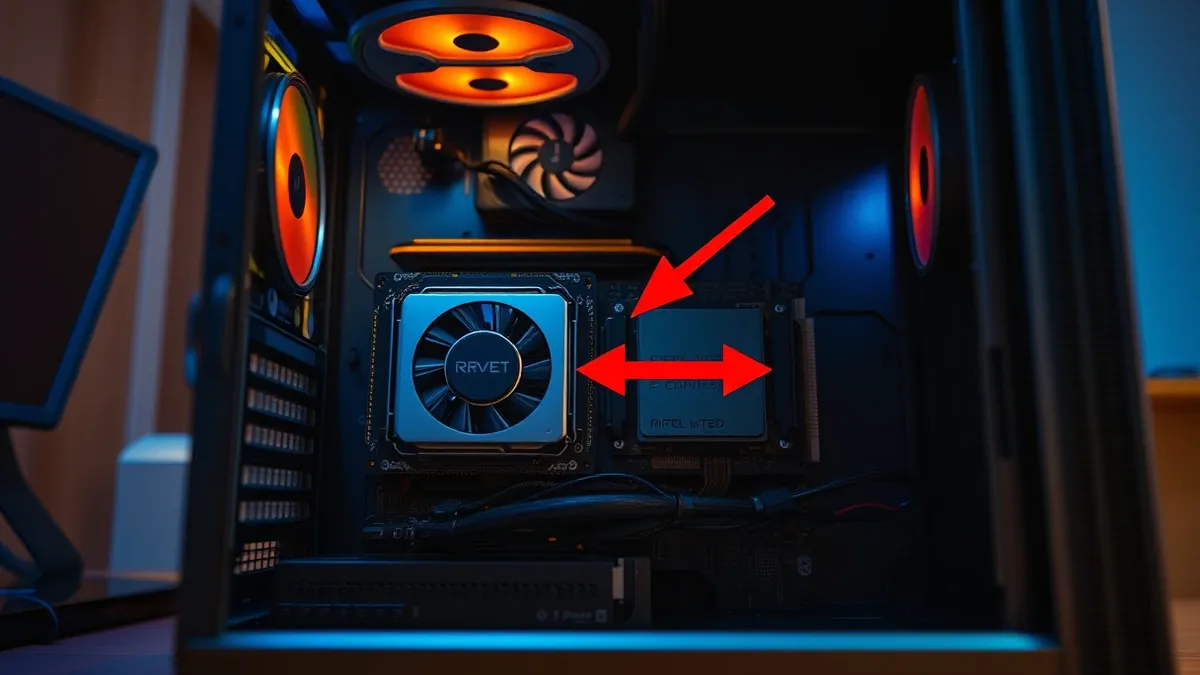
A bottleneck occurs when one component holds back the rest of the system, hindering overall performance until the issue is resolved. For example, if a CPU runs at 100 percent while the GPU idles, the CPU is impairing the GPU's output.reported
The facts
Some websites and software offer these calculators to help troubleshoot issues without stress-testing the system. However, Engadget notes that while they can help quickly spot a hardware mismatch, they are rarely accurate. Many online calculators cannot tell the full story of how a specific system behaves under load.
The facts
The calculators take a chosen CPU and GPU and compare their performance at a target resolution. Common test outputs include 1080p, 1440p, and 2160p. If both components are rated to perform adequately at the target benchmark, the user receives a bottleneck score around ten percent or less.
What buyers should weigh
Buyers should consider that a lower percentage is a better score, indicating less restriction. If one component is ill-equipped to handle the benchmark, it receives a high percentage. The CPU is typically the culprit behind most PC bottlenecks because it sends information to the rest of the system.
Why it matters
- Identifying a CPU bottleneck can prevent stutters in video games caused by slow data transmission.
- Recognizing a GPU bottleneck helps users avoid rendering graphics well above the intended resolution.
- Using these tools can save valuable time during the troubleshooting process before purchasing expensive parts.
- Checking for bottlenecks before buying a new GPU ensures better component compatibility for the build.
Topics: hardware, PC building, CPU, GPU, troubleshooting
Updated
The strongest doubt
Counterpoint from the sources
Engadget states that many online calculators cannot tell the full story of how a system behaves and are rarely accurate.
Ask the article
Local keyword search of this article; no generated answers.Did this article give you the evidence you needed?
Your choice stays on this device. No public tally.Terms in this story
bottleneck
A component that holds back the rest of the system and hinders performance.
CPU
The central processing unit that sends information to the rest of the system.
GPU
The graphics processing unit that renders graphics and handles visual applications.
Questions readers ask
How do bottleneck calculators determine compatibility?
They compare the performance ratings of the chosen CPU and GPU at a specific target resolution.
What does a high bottleneck percentage indicate?
A high percentage indicates that one component is ill-equipped to handle the benchmark and is limiting performance.
Are these calculators always accurate?
No, Engadget reports that online calculators are rarely accurate and cannot tell the full story of system behavior.
Connected stories
Reading receipt
- Bottleneck calculators compare CPU and GPU ratings at specific resolutions like 1080p or 2160p.
- A low percentage score indicates good compatibility, while a high score signals a limiting component.
- Engadget reports these tools are rarely accurate and cannot fully predict system behavior.
Still open: How do specific motherboard architectures affect the accuracy of these bottleneck scores?
Still open: Are there industry-standard metrics that these calculators should align with for better precision?